

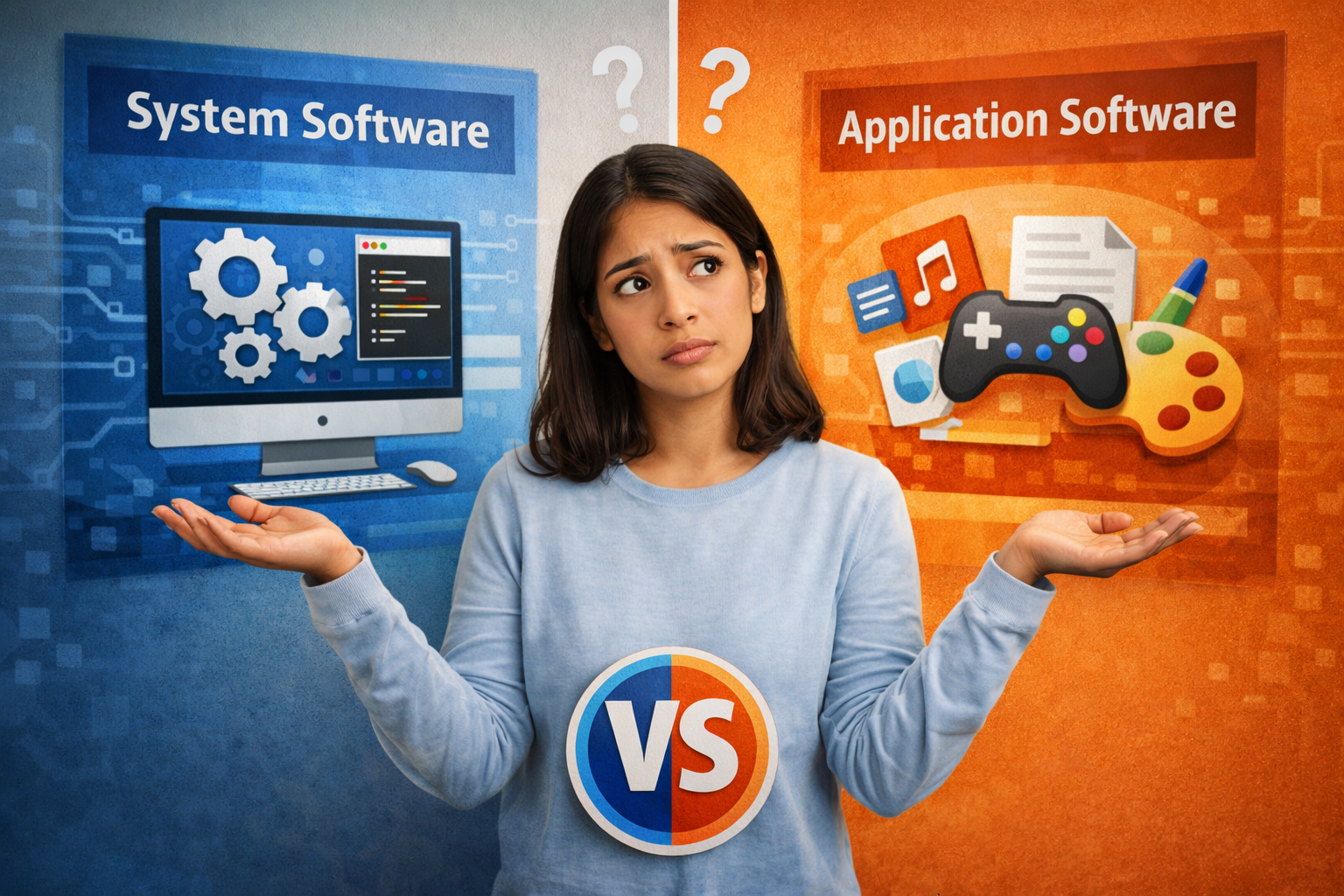
When people talk about computers, apps, or digital tools, they often use the terms system software and application software interchangeably. But here’s the thing—these two are fundamentally different layers of computing. One runs the machine, the other helps you get things done.
Let’s break it down clearly so whether you're a student, developer, or working professional, you walk away with a solid understanding.
What is Application Software?
At its core, application software is designed for the end user. It performs specific tasks that help users accomplish real-world goals—writing documents, editing photos, managing finances, or communicating.
In simple terms:
If you're interacting with it directly to complete a task, it's application software.
Key Characteristics of Application Software
- User-focused and task-oriented
- Runs on top of system software
- Requires user interaction
- Designed for specific functions
Common Examples of Application Software
Here’s an example of application software you likely use daily:
- Microsoft Word (document creation)
- Google Chrome (web browsing)
- Adobe Photoshop (image editing)
- WhatsApp (communication)
- Excel (data analysis)
These are all tailored tools meant to simplify specific tasks.
What is System Software?
Now let’s look under the hood.
System software is what makes your computer function in the first place. It acts as a bridge between hardware and application software.
Without system software, your applications simply wouldn’t run.
Key Characteristics of System Software
- Works in the background
- Manages hardware resources
- Enables application execution
- Essential for system operation
Examples of System Software
- Operating Systems (Windows, macOS, Linux)
- Device Drivers (printer drivers, graphics drivers)
- Firmware (BIOS/UEFI)
- Utility Programs (disk cleanup tools, antivirus software)
Think of system software as the foundation. Everything else sits on top of it.
System Software and Application Software: How They Work Together
Here’s where it gets interesting.
You don’t use system software directly most of the time—but every click you make depends on it.
For example:
- When you open Microsoft Word (application software),
- The operating system (system software) allocates memory, manages CPU usage, and loads required resources.
So while application software handles the “what”,
system software handles the “how.”
Difference Between System Software and Application Software
Let’s make the difference between system software and application software crystal clear:
FeatureSystem SoftwareApplication SoftwarePurposeManages system resourcesPerforms user tasksInteractionMinimal user interactionDirect user interactionDependencyIndependentDepends on system softwareExecutionRuns in backgroundRuns when user initiatesExamplesOS, drivers, firmwareWord, Chrome, Photoshop
In One Line:
System software runs the computer.
Application software runs your tasks.
Functions of System Software
System software isn’t just a passive layer—it’s doing a lot behind the scenes.
- Resource Management
It allocates CPU, memory, and storage efficiently.
- Process Management
Handles multitasking—running multiple apps simultaneously.
- File Management
Organizes, stores, and retrieves data.
- Device Control
Communicates with hardware using drivers.
- Security & Access Control
Manages permissions and system-level security.
Functions of Application Software
Application software is where productivity and creativity come alive.
- Task-Specific Execution
Each application solves a particular problem.
- User Interaction
Interfaces are designed for usability.
- Data Processing
Transforms input into meaningful output.
- Customization
Allows users to tailor workflows.
- Integration
Works with other applications and services.
Types of Application Software
Understanding the categories helps clarify how vast this domain is.
- Productivity Software
- MS Office, Google DocsUsed for documents, spreadsheets, and presentations.
- Multimedia Software
- VLC, PhotoshopUsed for media creation and playback.
- Web Browsers
- Chrome, FirefoxAccess and navigate the internet.
- Business Software
- ERP systems, CRM toolsUsed for enterprise operations.
- Educational Software
- eLearning platforms, simulation toolsSupports teaching and learning.
- Mobile Applications
- Instagram, UberOptimized for smartphones.
Types of System Software
System software also has layers worth understanding.
- Operating Systems
The backbone of computing systems.
- Device Drivers
Enable communication between hardware and OS.
- Firmware
Low-level software embedded in hardware.
- Utility Programs
Enhance system performance and maintenance.
Real-World Example: Putting It All Together
Let’s walk through a simple scenario.
You open Excel to analyze data.
Here’s what happens:
- The OS loads Excel into memory
- CPU processes instructions
- RAM temporarily stores data
- Storage retrieves files
- Drivers handle display and input devices
Excel (application software) does the analysis,
but system software makes sure everything runs smoothly.
Why Understanding This Difference Matters
This isn’t just academic—it has real-world implications.
For Students
- Builds foundational knowledge in computer science
- Helps in exams and technical interviews
For Professionals
- Improves troubleshooting skills
- Enhances system optimization understanding
For Developers
- Enables better software design
- Clarifies dependencies and architecture
For Businesses
- Helps in choosing the right tools
- Improves IT infrastructure decisions
Common Misconceptions
- “All software is the same”
Not really. The role and function define the category.
- “Operating systems are applications”
They’re not. They are system software that enables applications.
- “Application software can run independently”
Without system software, it simply won’t work.
Modern Trends in System and Application Software
The landscape is evolving fast.
- Cloud Computing
Applications are now web-based, reducing dependency on local system software.
- AI Integration
Application software is becoming smarter with AI features.
- Virtualization
System software now supports virtual machines and containers.
- Cross-Platform Applications
Apps run across devices with minimal system constraints.
- Automation Tools
Blurring lines between system utilities and applications.
Key Takeaways
Let’s simplify everything:
- System software and application software serve different but complementary roles
- System software manages the system; application software serves the user
- Understanding the difference between system software and application software is essential for anyone working with technology
- Every example of application software depends on system software to function
Conclusion
If you think of a computer as a workplace:
- System software is the infrastructure—the building, electricity, and machinery
- Application software is the workforce—doing tasks, solving problems, and creating value
Both are essential. One cannot function without the other.
And once you truly understand this relationship, you don’t just use technology—you understand it.
FAQ ON Application Software
1. What is application software?
Application software is a type of computer program designed to help users perform specific tasks such as writing documents, browsing the internet, editing photos, or communicating online.
2. What is the difference between system software and application software?
System software manages computer hardware and core functions, while application software helps users complete specific tasks like word processing, gaming, or web browsing.
3. What are examples of application software?
Common examples include Microsoft Word, Google Chrome, VLC Media Player, WhatsApp, Adobe Photoshop, and Microsoft Excel.
4. Why is application software important?
Application software improves productivity, communication, entertainment, and business operations by helping users complete tasks efficiently.
5. What are the main types of application software?
The major types include productivity software, communication software, multimedia software, business software, educational software, and web browsers.
.jpg)
.jpg)